

Trello
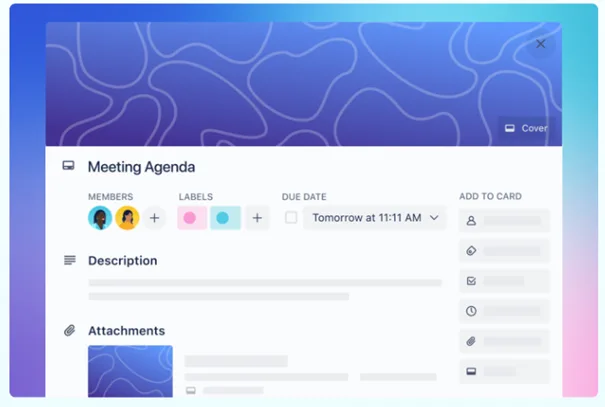
Trello is a project management tool. It visualizes tasks, to-dos and projects in lists and cards. Cards can be annotated with a description, a checklist, a due date, labels, attachments and comments.
In a nutshell: What is Trello?
FACTS
Link: https://trello.com/com
Login: Email address and password
Licence: TH Köln offers no licence; a free version is available via the Trello website
TECHNICAL REQUIREMENTS
– Internet connection
– Laptop
– App for iOS and Android
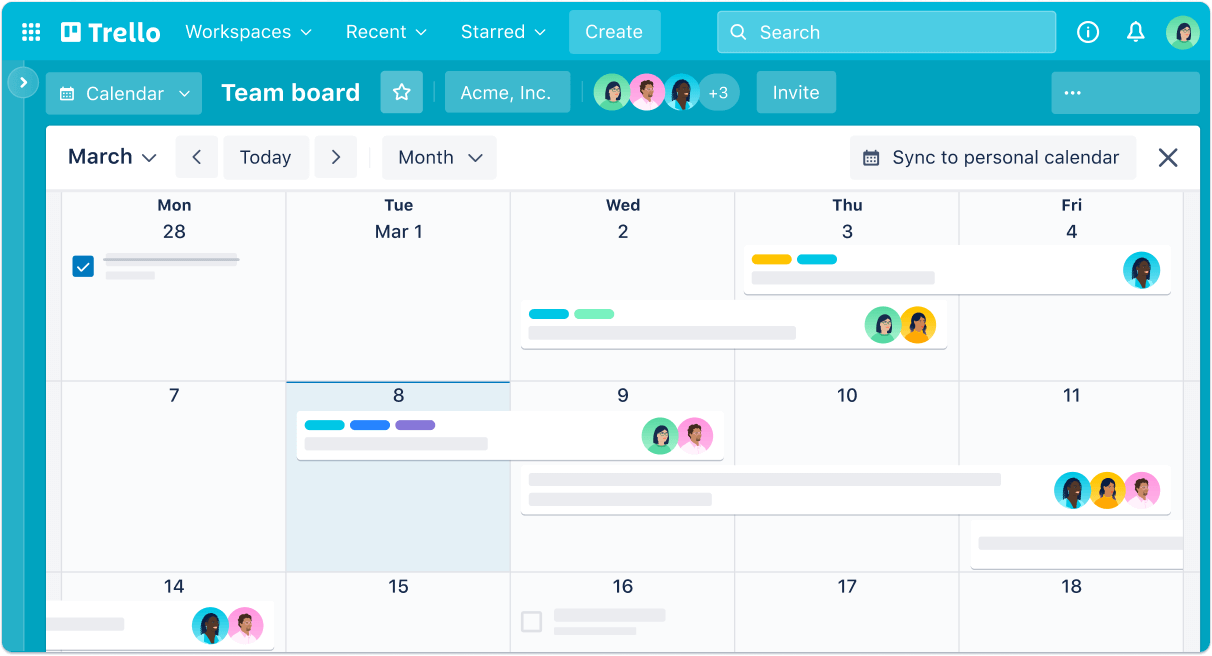
Trello is a versatile, visual tool that helps teams to plan, manage and carry out projects, workflows and tasks efficiently. By creating boards, lists and cards, it provides a quick overview of all key information, including upcoming tasks. The lists in Trello reflect the different stages of a task, such as ‘To Do’, ‘In Progress’ and ‘Done’, whilst the cards contain detailed information on each task and can be moved to show progress.
Trello enhances real-time collaboration within the team by allowing users to add comments and attachments and monitor progress. Features such as the calendar view, automated workflows and Power-Ups for integrating third-party services, such as Dropbox or Google Drive, enable teams to work more effectively and organise ideas. The use of labels and filters also helps to improve clarity. Trello is particularly well suited for event planning, project management and the organisation of group work.
Data Protection & Accessibility
The transfer of personal data is, at least formally, secured in accordance with the GDPR. Trello boards can be public or private. Public boards can also be found and viewed via Google. To enable this your boards must be set to private. You can find out more about Trello’s data protection here.
Range of Features
- Create boards
- Lists can be created within boards
- Cards can be assigned to the lists; these can be populated with text, attached files, images and documents
Uses
Step by Step
First, you need to create an account. Once you have logged in, you can access the dashboard and create a new board.
The board is a place where all the information can be found immediately. Boards represent projects or larger areas of responsibility.
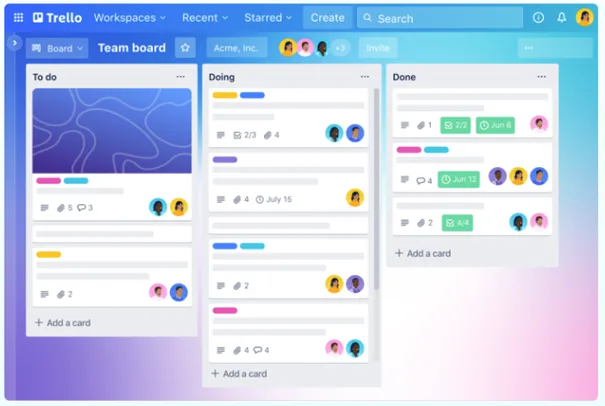
The lists organise cards, tasks or information at the various stages of processing.
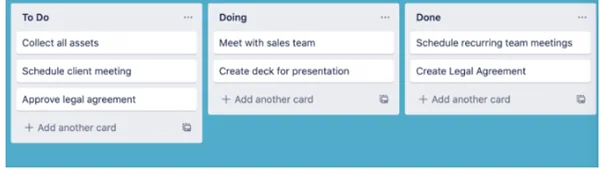
The smallest and most detailed unit on a board is the card. Cards represent tasks and ideas. These might, for example, be things that need to be done or things you need to be reminded of.
Further information: You can find the Trello user guide here. It contains step-by-step instructions for the tool’s various features. This video provides a good initial overview of Trello’s basic features. All of Trello’s basic features are explained step by step in this video (German).
Practical tips
In the free version, only a certain number of tasks and projects can be created.
Any questions?
Feel free to contact us by mail to lehrpfade@th-koeln.de!
Links & literature
Header image: ©Trello, Screenshot Zentrum Lehrentwicklung (ZLE)