Collaboration

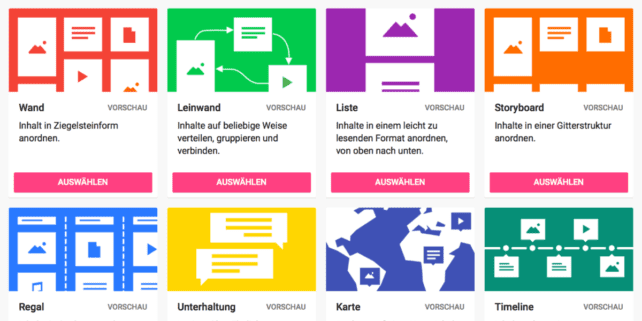
Screenshot of the various templates for a Padlet: “Wall,” “Canvas,” “List,” “Storyboard,” “Shelf,” “Conversation,” “Map,” “Timeline.”
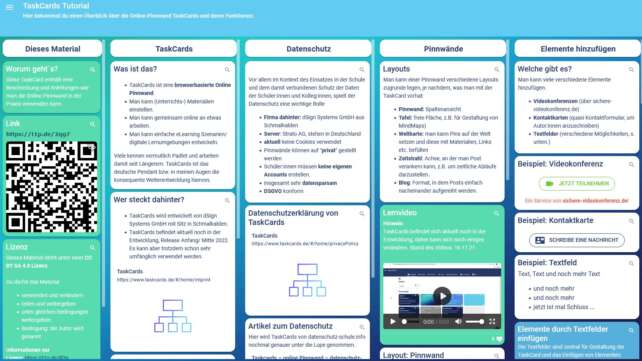
Padlet
Padlet is a collaborative web platform that allows you collect information from various sources. With Padlet, students participate actively by sharing notes, links, images, and videos—collaborative work becomes child’s play. Learn how you can use the tool to involve students more, but also how you can use Padlet for your own work organization.

Zoom Teaser
Zoom
Zoom has a wide range of features for interactive events in digital and hybrid teaching. We will show you how to use the video conferencing tool to plan and implement digital events, broadcast presentations, share content and work collaboratively online.
stock photo THspaces
THspaces
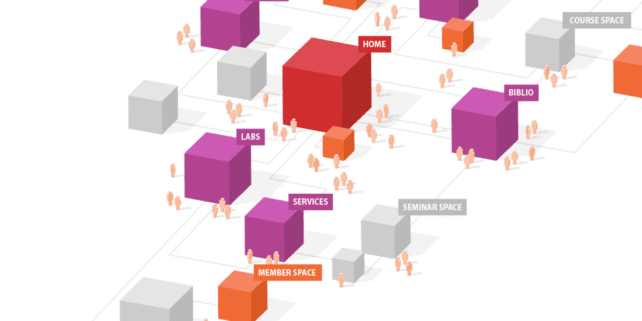
Intuitive, contemporary and student-centric, the THspaces offer individual (digital) spaces for teaching, research and projects. Find out here how you can set up and adapt your spaces for exchange and collaboration thanks to the modular structure.
Miro Teaser Video
Miro
On the virtual whiteboard Miro, you can work interactively and synchronously with your students, regardless of location. We will show you how to use the tool to combine media, collect ideas together and develop concepts.

Learn more. Teach better!

You might be interested in this content. Articles and instructions on digital tools and good practice examples with a high didactic effect.

We appreciate your feedback!

When developing this offer, we tried to include you as a teacher in advance. We would therefore be delighted if you would help us to further improve our offer. Please let us know what you would like, what bothers you or what you particularly like.

Would you like to contact us directly? Then write to us at lehrpfade@th-koeln.de!