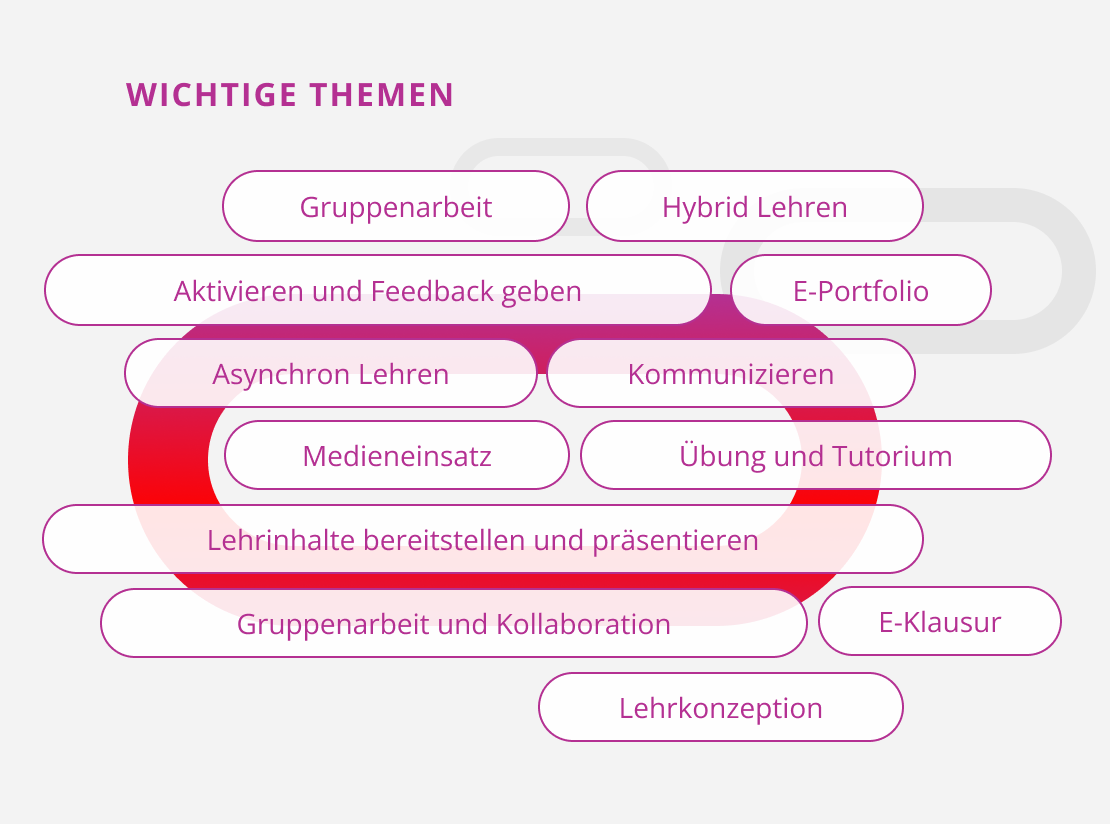
Featured Image: Key Topics: Group Work, Hybrid Teaching, Engaging Students and Providing Feedback, E-Portfolio, Asynchronous Teaching, Communication, Use of Media, Exercises and Tutorials, Providing and Presenting Course Content, Group Work and Collaboration, Online Exams, Instructional Design.

Implementation

Here you’ll discover a wide range of options for shaping your teaching. We’ll introduce various methods and useful tools that you can use to actively guide and support teaching and learning processes. You’ll gain insights into how to effectively incorporate different media, formats, and technologies into your teaching.

Implementation

Here you’ll discover a wide range of options for shaping your teaching. We’ll introduce various methods and useful tools that you can use to actively guide and support teaching and learning processes. You’ll gain insights into how to effectively incorporate different media, formats, and technologies into your teaching.

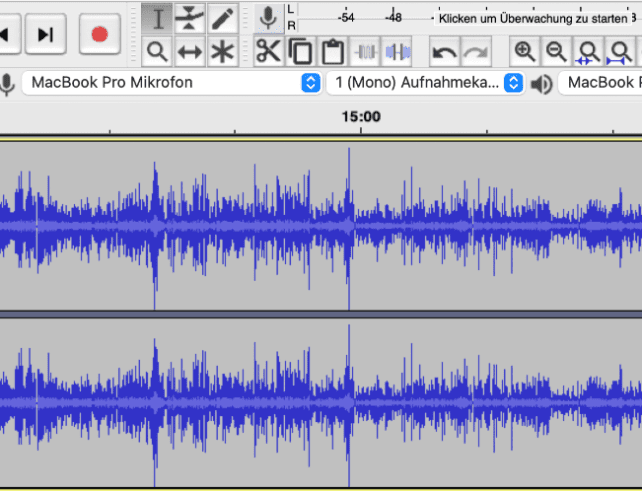
Screenshot. Two audio files open in the audio editing programme Audacity.
Audacity
Podcasts (digital audio files) are becoming increasingly popular, and they can also be integrated effectively into teaching. Their narrative elements convey knowledge in a memorable and varied way. In addition, students have the opportunity to learn at their own pace by fast-forwarding and rewinding sequences.
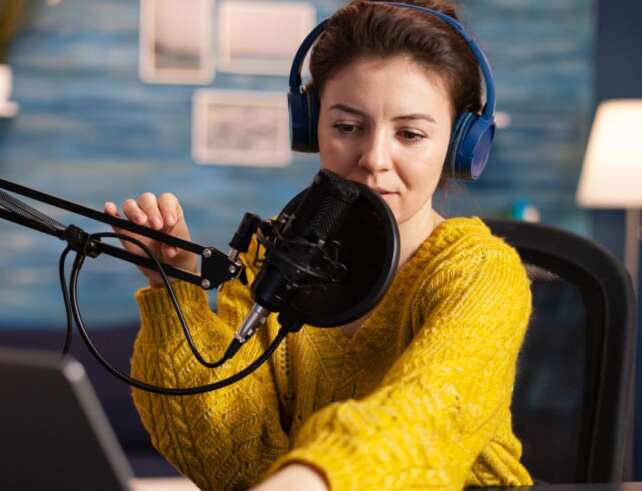
Featured image: A woman sitting at her laptop wearing a headset and a microphone.
Broadcast Course as a Live Stream
Participating in courses online, regardless of location, has long been possible and often makes sense—for example, for students who are temporarily or permanently unable to participate physically due to personal restrictions. In addition, if there is limited space at the university, it is easier if courses that are suitable are broadcast (in full or as…
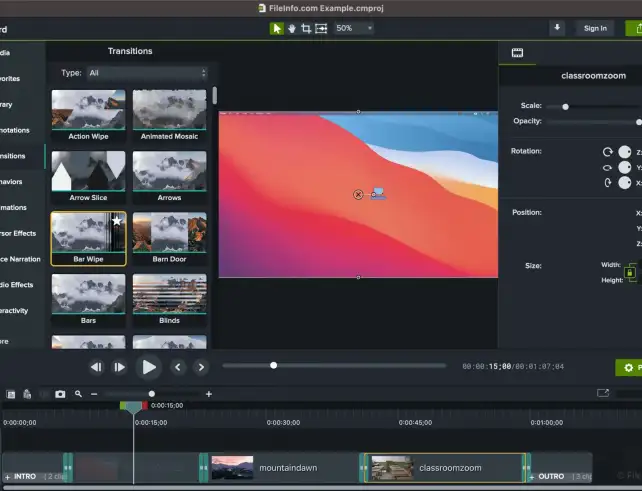
Screenshot of the Camtasia interface. Various video elements have been edited together, and a selection of transitions is available.
Camtasia
Camtasia Studio offers numerous ways and options to record, edit and publish instructional videos – without additional software. We will show you the most important functions for designing your videos.
Cover image
Carrying Out Your COIL Project
Once your course and institutional partner are confirmed, it’s time to co-develop your COIL project. In this phase, you and your partner will shape the course structure, activities, and timeline: What content will you cover? What kind of student collaboration is appropriate? And how can the courses at both institutions be meaningfully aligned? The goal…
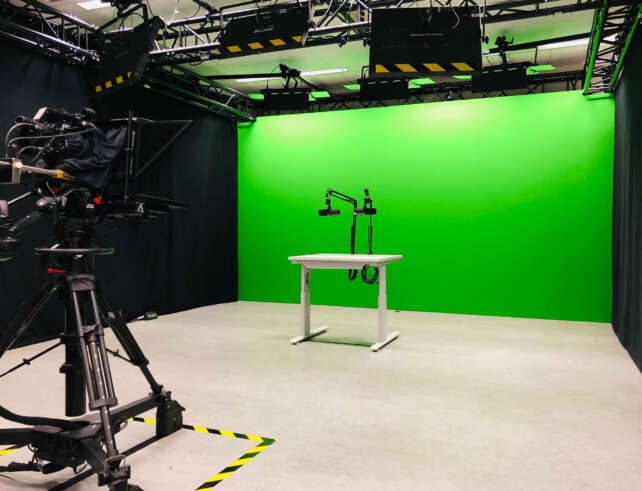
The Media Office's green-screen studio at the Deutz location, equipped with a camera and microphones
Create Educational Videos (or have them created for you)
Moving images, if put together well, can often be timeless. Die Sendung mit der Maus (The Show with the Mouse) or Löwenzahn (Dandelion) have shown that videos also work very well when teaching skills. In this guide you will find out which possibilities you have for your own educational/instructional videos and why you—in part—already have…
Student Classmate Friends Understanding Study Concept
Effective collaboration with project-based learning
Project-based learning is more than just teamwork. Using this university teaching method, students can learn from the diversity of their group members and, at the same time, contribute their skills and ideas.
Blended Learning Education Approach. Teachers and Students. Online and Place Based Teaching and Learning. Vector Illustration.
Flipped Classroom
Teaching basic knowledge and still working intensively with students? Flipped Classroom makes it possible. Students work through material individually and independently at home so that you, as the teacher, can use the classroom time for repetition, practice, and application of acquired knowledge.
Screenshot. View of two questions that were asked anonymously through the app.
frag.jetzt
In the question rooms of frag.jetzt, students can ask questions anonymously without registering and only with a code. We explain how to set up and use the browser-based tool to break down inhibitions and answer questions for everyone.
„A screenshot of the Gather.town game view with the text: ‘Create a virtual learning experience with the quality of in-person relationships. Design an online classroom that facilitates fluid conversations and collaboration between students and educators.“
Gather.town
Gather.town allows you to create a personalized digital space for virtual encounters. The 2D video game design can be used to create offices, conference rooms, or classrooms where people can learn and work together. We will give you an insight into the co-working space.
Photo: Planning notes are lying on a table. Various hands are interacting with the notes. The analog scene is augmented by views of digital applications for planning group work. Screenshots of these applications appear above the table.
Group work with digital tools
How can group work be implemented effectively? As a teacher, you can use digital tools to encourage student exchange and help students achieve productive results.
Decorative image: The various H5P elements listed side by side.
H5P
Make your online teaching more interactive and varied with H5P. Use playful elements (content types), such as Memory or interactive display models—employing a timeline or image juxtaposition—to support your students in the digital self-learning process.
Photo. Man hands writing in the diary, coffee mug and laptop on wooden table
How to Prompt Writing with the Quick Exposé
Some prepare their texts meticulously before they even write the first word. Others simply start writing and develop their thoughts as they write. In this article, we will explain how your students can find a balance between these approaches by introducing them to the benefits of an exposé.

We appreciate your feedback!

When developing this offer, we tried to include you as a teacher in advance. We would therefore be delighted if you would help us to further improve our offer. Please let us know what you would like, what bothers you or what you particularly like.

Would you like to contact us directly? Then write to us at lehrpfade@th-koeln.de!