


Gemini Notebook: personalised AI research assistant
With the Gemini Notebook AI application, you can create a personalised knowledge repository. You can ask the research assistant questions about the content via a chat and receive answers backed up by direct evidence. In addition, a wide range of AI tools can be used to create all sorts of content – from audio summaries and infographics to reports and flashcards.
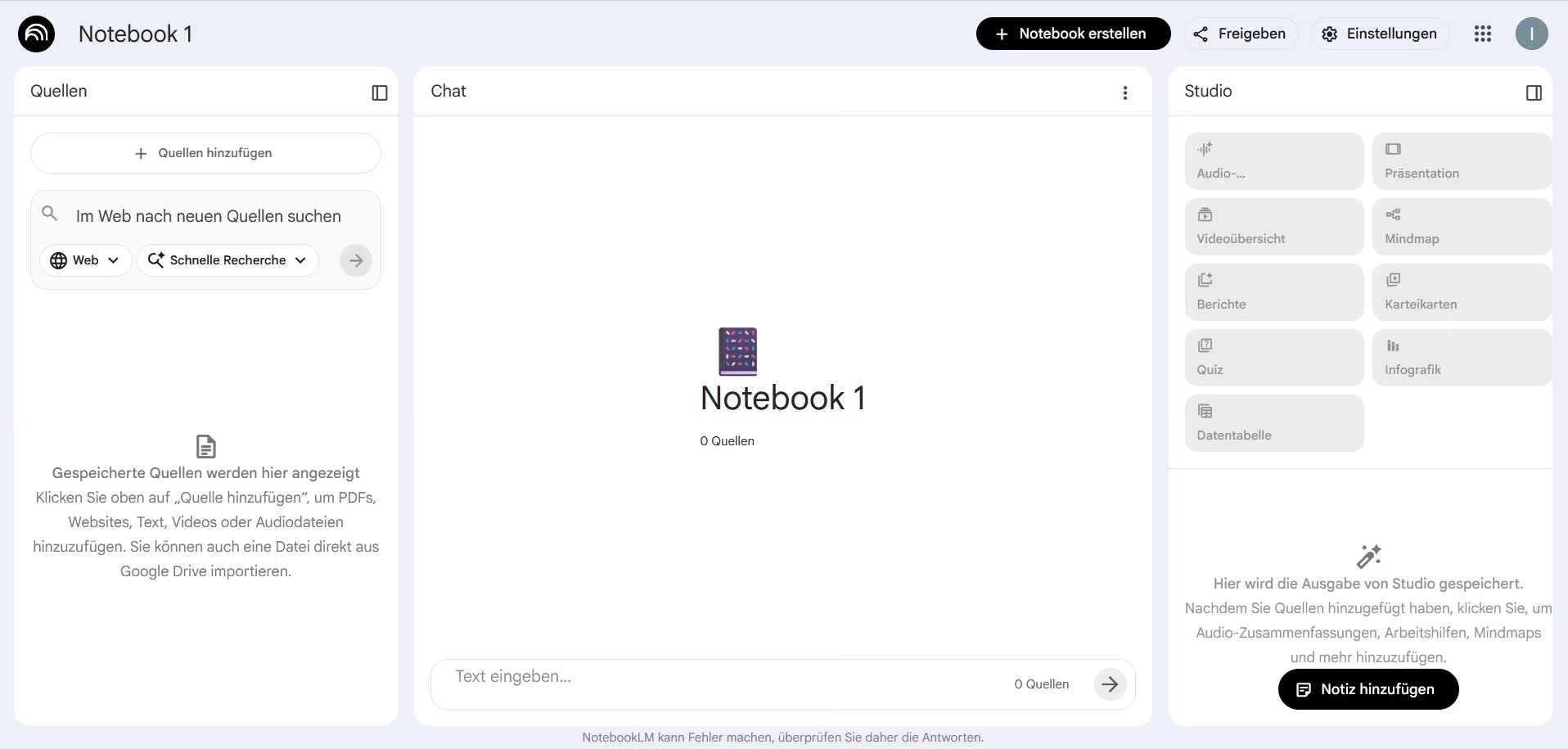
In a nutshell: What is Gemini Notebook?

FACTS
Link: https://notebook.google/?hl=de
Login: with a Google account
Licence: The free version is freely available. There is no licence at TH Köln.
TECHNICAL REQUIREMENTS
– Accessible via web browser or via app for iOS and Android mobile devices
– Stable internet connection
Gemini Notebook (formerly NotebookLM) is an AI-based research assistant powered by the LLM Google Gemini. Create personalised knowledge repositories (notebooks) by uploading your own text, audio and video files. This data trains the AI, turning it into a personalised expert on the contents of your notebook. Users can ask the research assistant questions about the content via chat interface. Gemini Notebook provides source-based answers with direct evidence from the knowledge repository.
In addition to the research assistant, Gemini Notebook offers students and lecturers a wide range of other features. Use numerous AI tools to generate a wide variety of outputs based on your knowledge repository to create teaching and learning materials or as a supporting tool during the studying process. Furthermore, the application enables collaboration regardless of location or time.
Data Protection & Accessibility
Google does not access your content in Gemini Notebook or uses the data to train its foundational models for generative AI, unless you opt in. However, Gemini Notebook is not GDPR-compliant. You can find more information on the privacy policy here.
As a general rule: Do not publish any sensitive data via AI applications!
Range of Features
- AI- and source-based research assistant
- Create a personalised knowledge base by uploading your own files (text, audio, video)
- Understand and analyse text, audio and video content
- Editable prompts and a searchable, configurable chat
- Generate creative content using AI tools
Uses
Step by Step
You can access the service via the Gemini Notebook website or, on mobile devices, via the app. You can download the app for iOS and Android here. You will then need to sign in with a Google account or create one.
To create your own knowledge repository, select the “Create Notebook” option in the user interface.
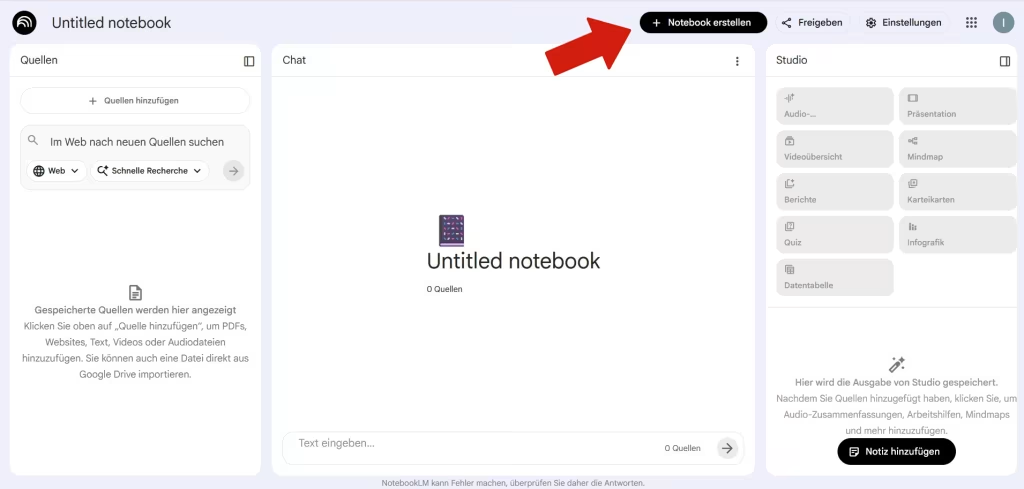
The following window will open.
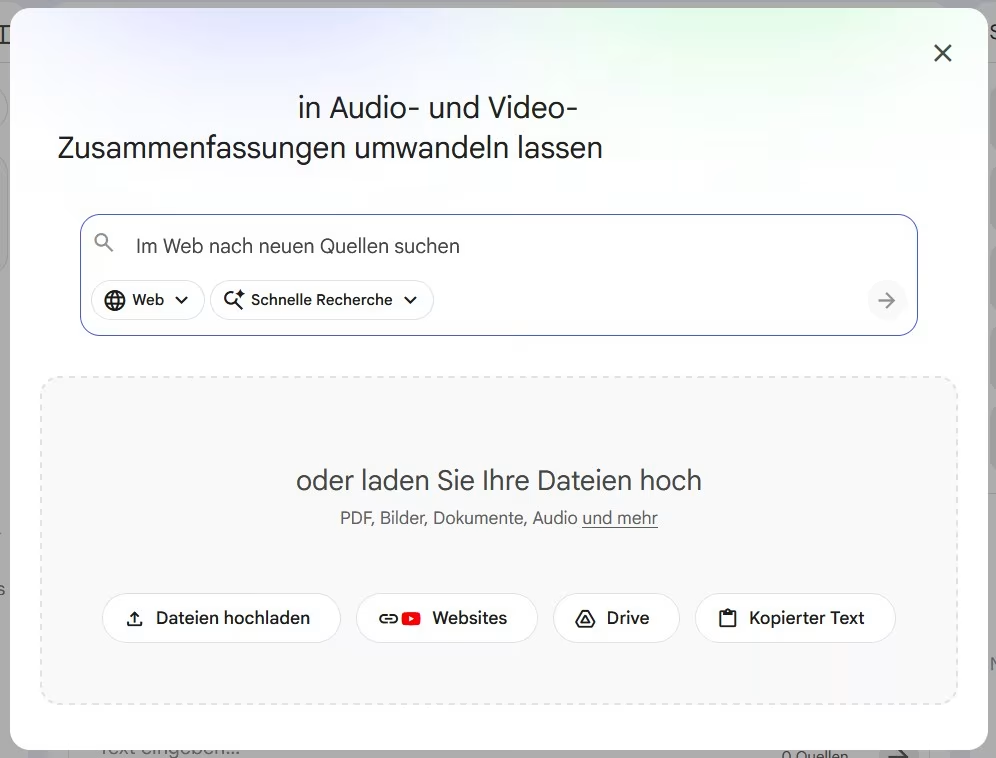
Search for new sources in this window – either from the Internet or from your content on Google Drive. You also have the option to upload your own text, image, or audio files as sources. You’ll find these in the “Sources” section on the left side of the user interface.
First, the application can search for sources on the internet or within your content on Google Drive. Here, you can choose between a quick search and a deep search. The second feature provides a more comprehensive report with more detailed results.
Second, you can use the chat feature to ask questions about your notebook – for clarification, explanations, or summaries. Select the specific sources you need to be included in the analysis. Gemini Notebook analyses your knowledge base, identifies deeper connections, and then provides source-based answers.
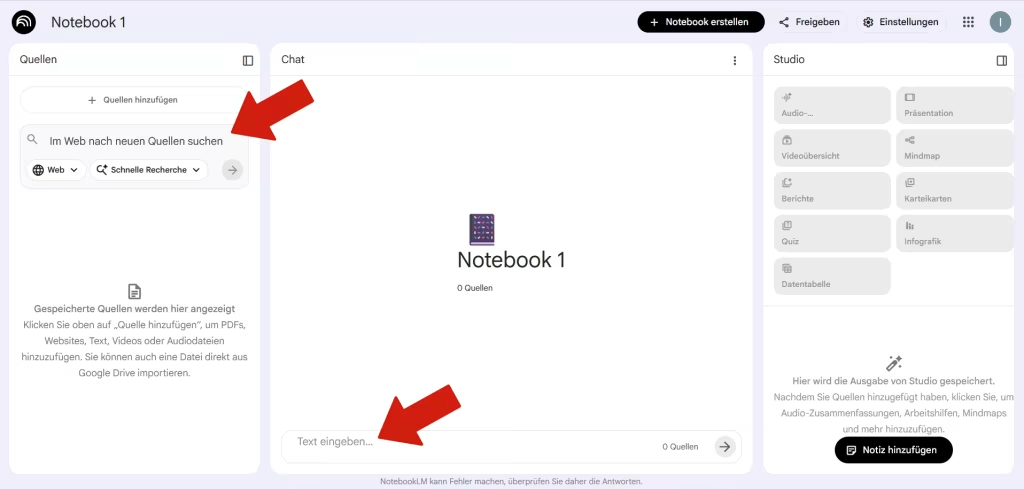
After using it for the first time, you can use the “Configure Chat” feature to customize the chat in terms of conversation goals and response length.
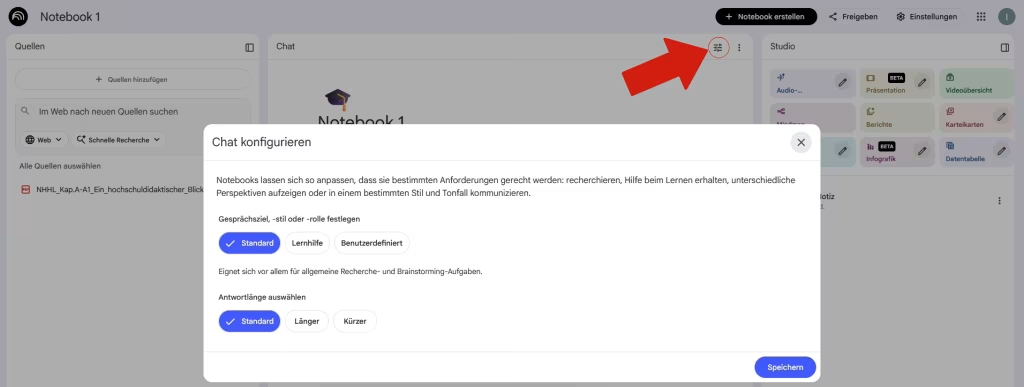
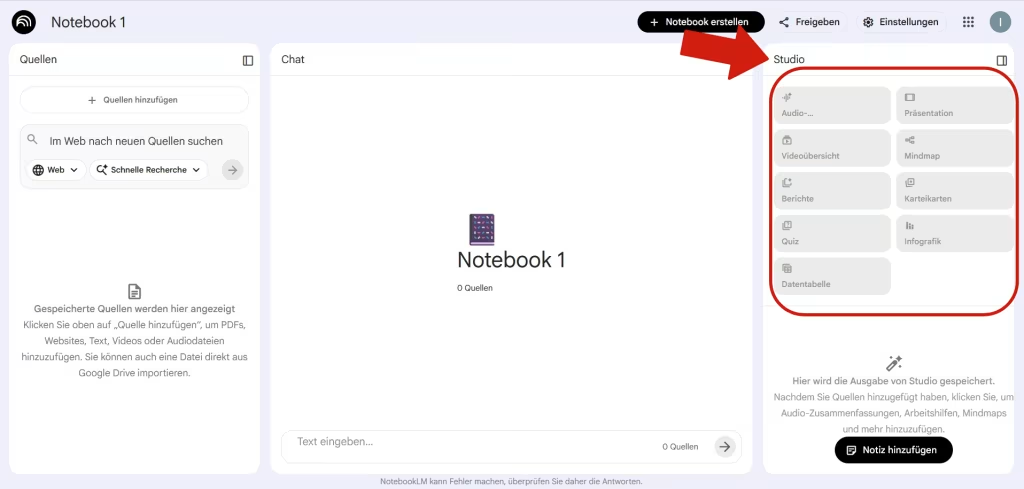
In addition to the “Sources” and “Chat” sections, you’ll find “Studio” on the right side of the user interface. There, you’ll have access to a wide variety of tools that allow you to create various types of content based on your notebook. To do this, select the source(s) and the desired product. Gemini Notebook offers the following options:
- Audio summary
- Animated explanation
- Presentation
- Mind map
- Report
- Flashcards
- Quiz
- Infographic
- Data table
Practical tips
Work together! Share your notebook with others and work collaboratively.
Long-term knowledge retention! Chat logs can be saved in your notes.
Gemini Notebook as a learning aid! The application can support students in their learning process and during self-study. Gemini Notebook’s numerous tools make it easier to create learning materials and review course content.
In the free basic version, you can only upload a limited number of sources to a notebook and content generation features. Users can upgrade for a fee to access more features.
Any questions?
Feel free to contact us by mail to lehrpfade@th-koeln.de!
Links & literature
Header image: © Gemini Notebook, Screenshot Zentrum für Lehrentwicklung (ZLE)